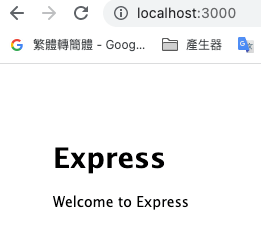
Express 是最小又靈活的Node.js Web 應用程式架構,為Web 與行動式應用程式提供一組健全的特性。
可以接的資料庫
- Firebase
- MongoDB
- MySql
環境安裝
新增資料夾 project
1 | cd project |
開啟 web 伺服器
新增app.js
1 | const express =require('express') |
//啟動
node app.js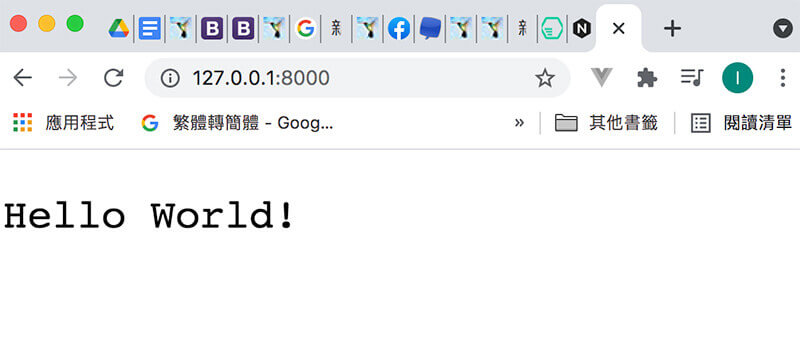
查詢
1 | & nvm ls |
使用14.20.1
1 | nvm use 14.20.1 |
目前node版本,npm版本
Now using node v14.20.1 (npm v6.14.17)
安裝express
以全域方法安裝express-generator工具。
在 Express 4.16 時,將 body-parser 改為 內建選項 ,所以不需要進行安裝,但如果是 4.16 之前的版本則需要透過 npm 來安裝。
1 | npm install express-generator -g |
项目初始化:專案名稱
1 | express -e 專案名稱 |
到專案
cd 專案名稱
1 | npm install |
啟動express
1 | npm start |
將打包好的 dist 內的資料放到 public /
改完后,重新启动express项目